
Environments
INFO
このページはまだ翻訳されていません。 英語版を読む
torch_world works with 190 environments for training and evaluating world models: 33 built-in tasks in four categories, 13 from OGBench, 20 from the DeepMind Control Suite, 10 from Meta-World, 12 from ManiSkill, 10 from MyoSuite, 50 from RoboCasa and 42 from RoboDojo. The 148 registered tasks are batched in torch_world.envs behind the same reset / step / collect interface, and each external suite's class builds any of its other tasks; RoboDojo's tasks run in RoboDojo's own evaluation client, which a torch-world policy serves. Each built-in task has a notebook that trains LeWM and plans with CEM; OGBench, RoboCasa and RoboDojo each have one that trains a RoboJEPA baseline, and DMControl, Meta-World, ManiSkill and MyoSuite one that trains TD-MPC2 online.
The Success column shows a verified reference episode from world.show_success(): real simulator steps that end in the task's success condition. These references are privileged controllers or search, not model results.
| Group | category= | Tasks | Backends |
|---|---|---|---|
| Planning puzzles | "puzzles" | 5 | PyTorch |
| Control | "control" | 6 | MuJoCo, Newton |
| Navigation and locomotion | "navigation" | 6 | PyTorch, MuJoCo |
| Manipulation | "manipulation" | 16 | MuJoCo, Isaac Lab |
| OGBench | "navigation", "manipulation" | 13 | MuJoCo (OGBench) |
| DeepMind Control Suite | "control", "navigation" | 20 | MuJoCo (dm_control) |
| Meta-World | "manipulation" | 10 | MuJoCo (Meta-World) |
| ManiSkill | "manipulation" | 12 | SAPIEN (ManiSkill) |
| MyoSuite | "control", "manipulation", "navigation" | 10 | MuJoCo (MyoSuite) |
| RoboCasa | "manipulation" | 50 | MuJoCo (robosuite) |
| RoboDojo | evaluated by RoboDojo | 42 | Isaac Sim (RoboDojo) |
| Total | 190 |
Use an environment
from torch_world.envs import KeyDoor, list_envs
from torch_world.benchmarks import run_experiment, show_results

print([spec.id for spec in list_envs(category="puzzles")])

with KeyDoor(quality="high") as world:
    world.show_env()      # first observation next to GT
    result = run_experiment(world, output_dir="runs/benchmarks")
    world.show_success()  # verified reference episode
    show_results(result)
Listing never imports an optional simulator. Puzzles need only PyTorch. MuJoCo tasks need pip install -e ".[benchmark]", Newton tasks pip install -e ".[newton]", and the Franka tasks an Isaac Lab 3.x GPU runtime; see Install a backend. Tasks marked original also keep their earlier interfaces; see Pixel worlds.
Planning puzzles
Discrete grid worlds written in pure PyTorch, with no simulator to install. They test long-horizon planning: dead ends, prerequisites, ordered subgoals, momentum and irreversible moves.
| Success | Environment | Backend | Task | Notebook |
|---|---|---|---|---|
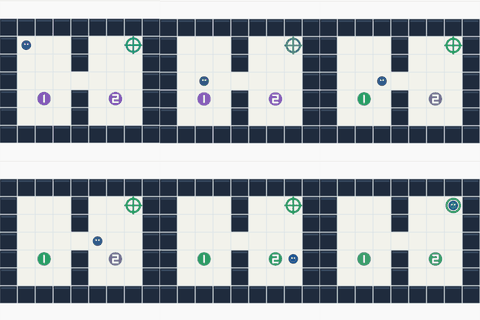 | Checkpoints-v0 | PyTorch | Visit two checkpoints in order before reaching the exit | notebook |
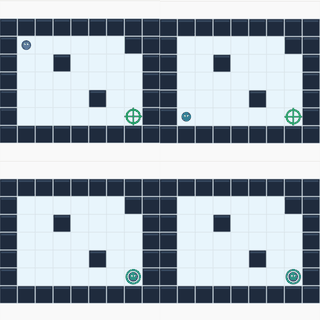 | IceMaze-v0 | PyTorch | Slide until blocked; plan stopping positions | notebook |
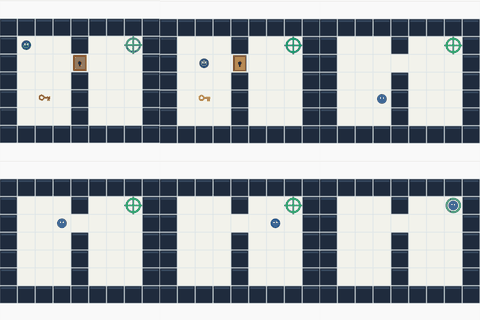 | KeyDoor-v0 | PyTorch | Collect a key before crossing a locked door | notebook |
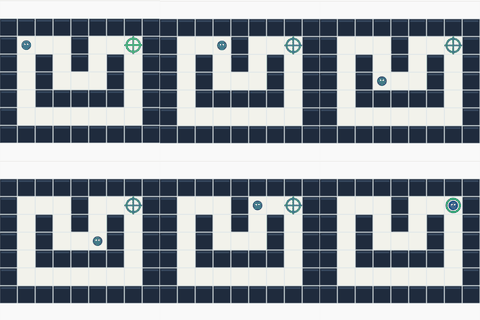 | Maze-v0 | PyTorch | Route around walls and dead ends | notebook |
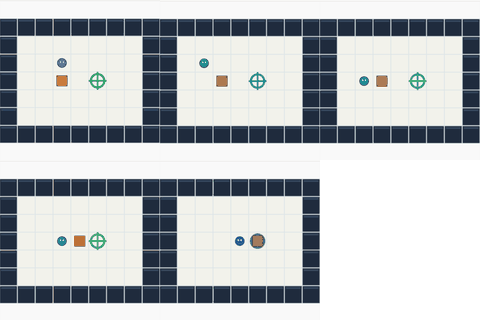 | Sokoban-v0 | PyTorch | Push a box to a target without trapping it | notebook |
Control
Underactuated and balancing systems: swing-up, stabilization and tilt control under torque limits, simulated with MuJoCo or Newton.
| Success | Environment | Backend | Task | Notebook |
|---|---|---|---|---|
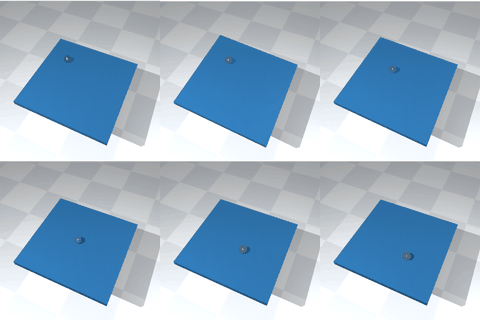 | BallPlate-v0 | MuJoCo | Tilt a plate to position a constrained ball | notebook |
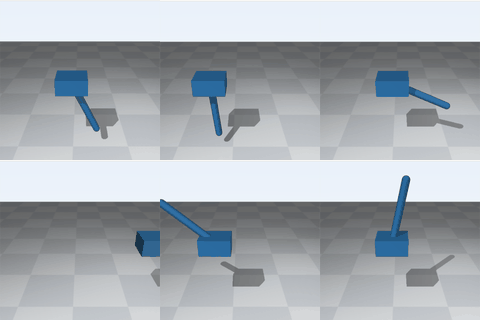 | CartpoleSwingup-v0 | MuJoCo | Torque-limited cart-pole swing-up | notebook |
| reference pending | DoubleCartpole-v0 | MuJoCo | Underactuated double-pole stabilization | notebook |
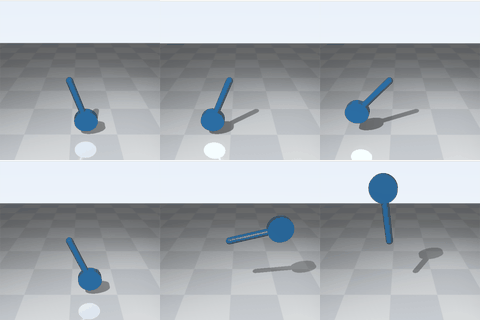 | ReactionWheel-v0 | MuJoCo | Reaction-wheel pendulum balance | notebook |
 | NewtonAcrobot-v0 | Newton | Underactuated two-link swing-up with Newton physics | notebook |
 | NewtonPendulum-v0 | Newton | Torque-limited swing-up with Newton physics | notebook |
Navigation and locomotion
Move a body to a goal: a point mass, an animated macaw, a planar quadrotor with and without a suspended payload, a differential-drive robot and a hopping leg.
| Success | Environment | Backend | Task | Notebook |
|---|---|---|---|---|
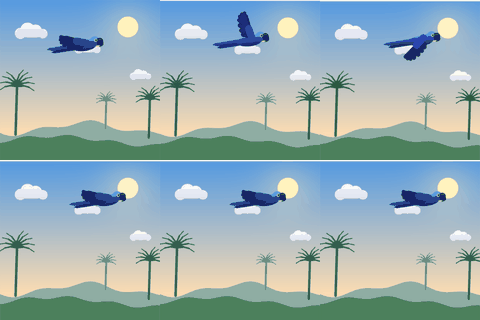 | Macaw-v0 | PyTorch | Fly the animated macaw to a target position (original) | notebook |
 | PointMass-v0 | PyTorch | Move a point mass to a target in the unit square (original) | notebook |
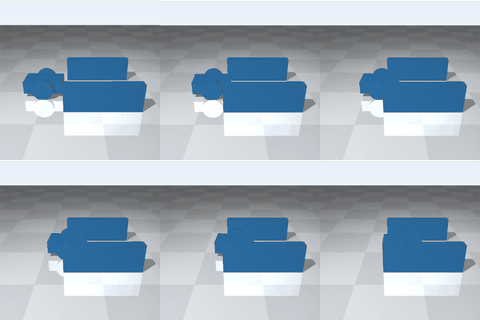 | DifferentialParking-v0 | MuJoCo | Park a differential-drive robot between barriers | notebook |
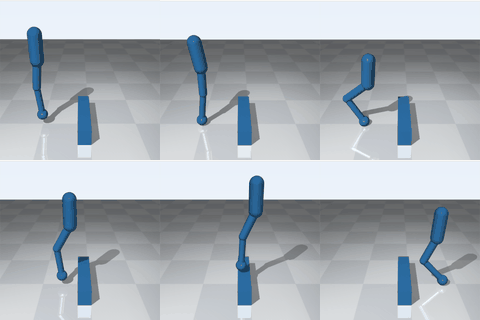 | HurdleHopper-v0 | MuJoCo | Hop a single articulated leg across a hurdle | notebook |
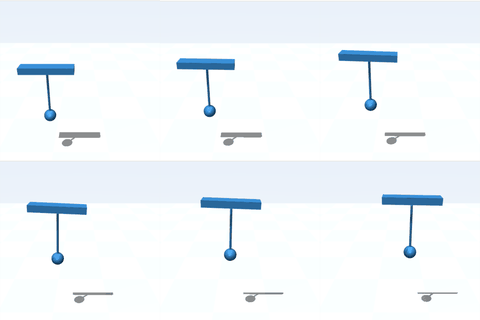 | PayloadTransport-v0 | MuJoCo | Transport a suspended payload without swing | notebook |
 | PlanarQuadrotor-v0 | MuJoCo | Differential-thrust planar flight | notebook |
Manipulation
Arms and grippers that act through contact: reaching, pushing, sliding, insertion, opening doors and drawers, grasping and stacking. MuJoCo scenes use primitive arms, the Robotiq 2F-85, the UR10e and the SO-101; Isaac Lab tasks use the Franka.
| Success | Environment | Backend | Task | Notebook |
|---|---|---|---|---|
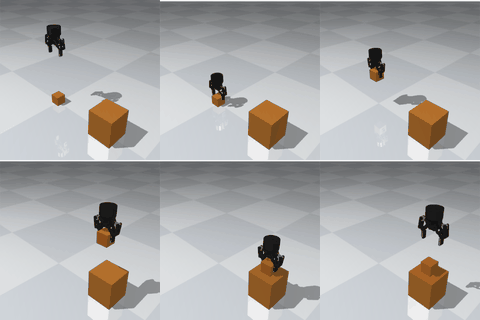 | BlockStack-v0 | MuJoCo | Stack a free cube on a raised block with a Robotiq 2F-85 | notebook |
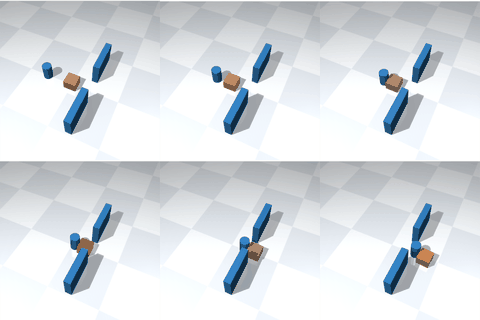 | BoxGate-v0 | MuJoCo | Push a box through a narrow gate | notebook |
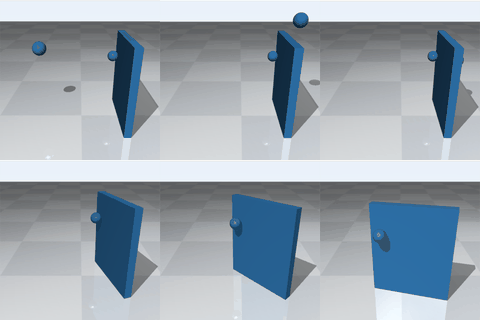 | DoorOpen-v0 | MuJoCo | Push a hinged door open | notebook |
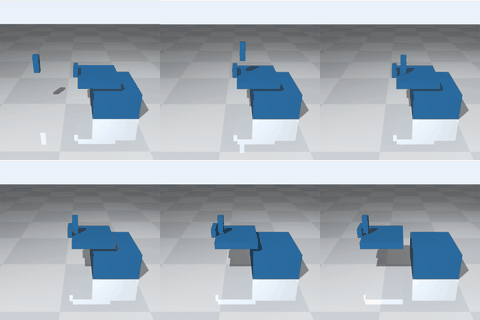 | DrawerOpen-v0 | MuJoCo | Contact a handle and pull a sliding drawer | notebook |
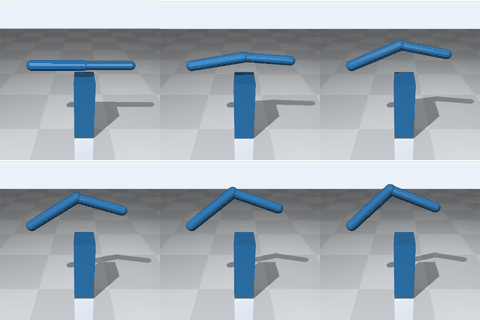 | ObstacleArm-v0 | MuJoCo | Two-link arm positioning around an obstacle | notebook |
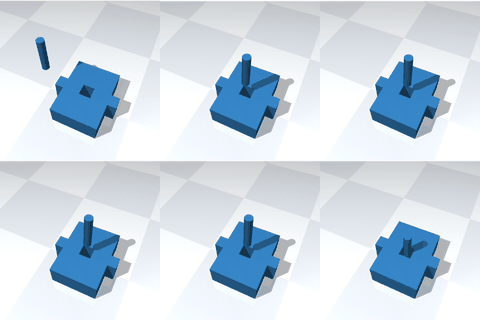 | PegInsertion-v0 | MuJoCo | Insert a Cartesian peg into a clearance fixture | notebook |
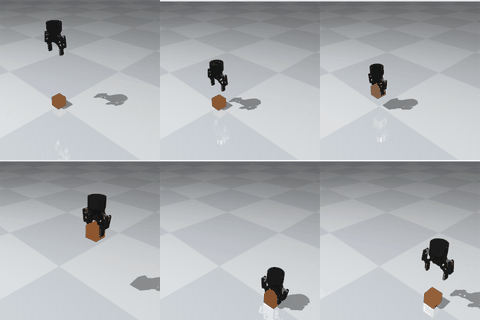 | PickPlace-v0 | MuJoCo | Grasp and relocate a free cube with a Robotiq 2F-85 | notebook |
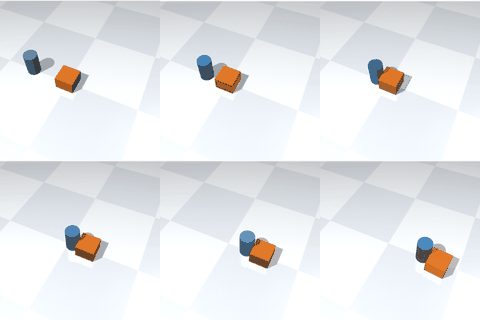 | PuckPush-v0 | MuJoCo | Contact-only planar object pushing | notebook |
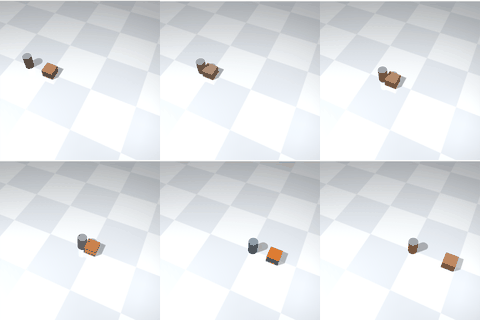 | PuckSlide-v0 | MuJoCo | Slide an object beyond the tool workspace by releasing momentum | notebook |
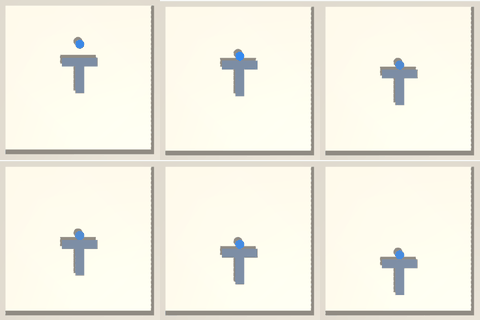 | PushT-v0 | MuJoCo | Push a T-shaped block to a fixed target pose (original) | notebook |
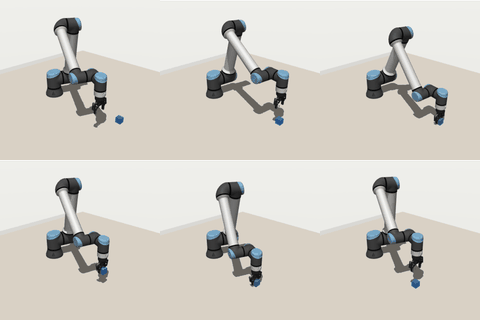 | RobotCube-v0 | MuJoCo | UR10e and Robotiq 2F-85 cube pick-and-place (original) | notebook |
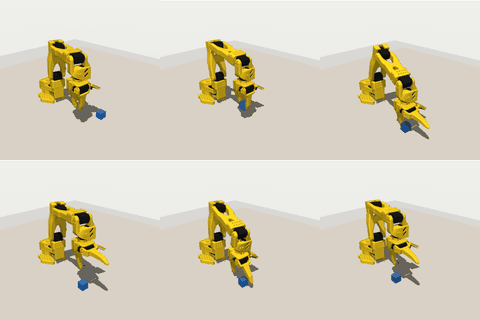 | RobotCubeSO101-v0 | MuJoCo | SO-101 cube pick-and-place (original) | notebook |
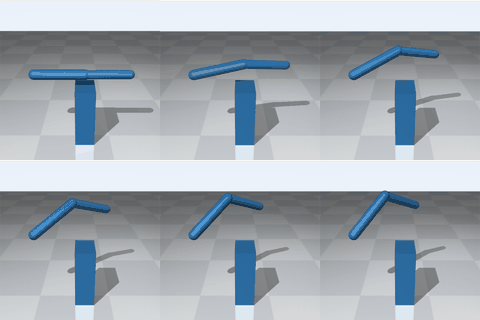 | SpatialArm-v0 | MuJoCo | Three-axis spatial arm positioning | notebook |
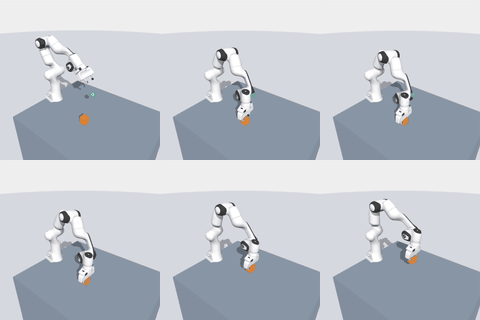 | FrankaCubeLift-v0 | Isaac Lab | Franka grasping and lifting a free cube | notebook |
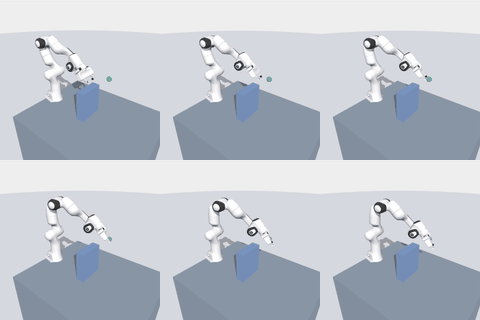 | FrankaObstacleReach-v0 | Isaac Lab | Franka reaching around a tabletop barrier | notebook |
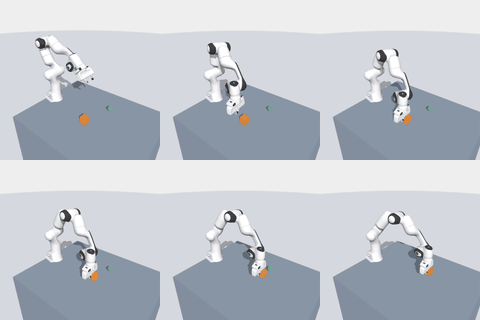 | FrankaTablePush-v0 | Isaac Lab | Franka contact pushing on a tabletop | notebook |
OGBench
OGBench is an offline goal-conditioned benchmark: models train on its fixed datasets, then reach goals in five evaluation tasks per environment. One task per family and observation type is registered under OGBench/<dataset name>, in the navigation and manipulation categories; OGBench(name) builds any other OGBench task, and load_ogbench(name) loads its dataset. They need pip install "torch-world[ogbench]". See OGBench for the protocol and the notebook for a RoboJEPA baseline on visual-cube-single-play-v0.
| Preview | Environment | Category | Observation | Actions | Steps | Task |
|---|---|---|---|---|---|---|
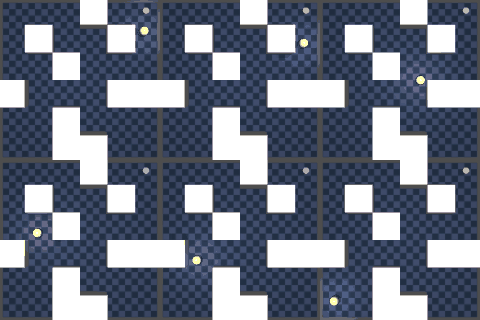 | OGBench/pointmaze-medium-navigate-v0 | navigation | state (2) | 2 | 1000 | Navigate a point mass through a medium maze |
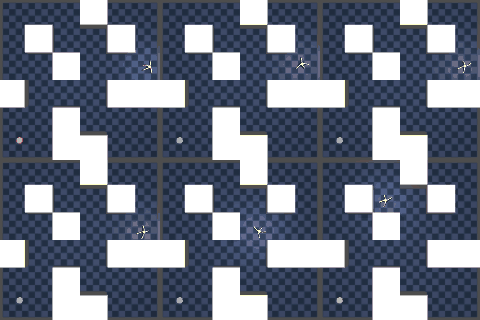 | OGBench/antmaze-medium-navigate-v0 | navigation | state (29) | 8 | 1000 | Navigate a quadruped ant through a medium maze |
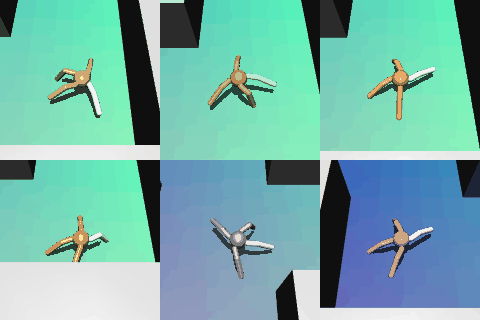 | OGBench/visual-antmaze-medium-navigate-v0 | navigation | RGB 64 × 64 | 8 | 1000 | Navigate the ant through a medium maze from pixels |
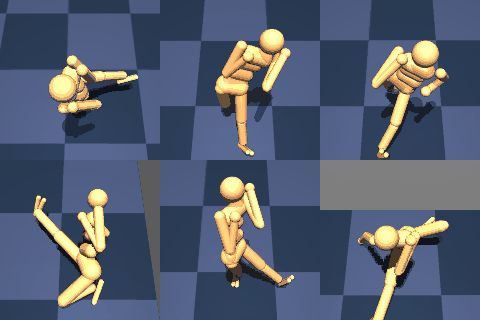 | OGBench/humanoidmaze-medium-navigate-v0 | navigation | state (69) | 21 | 2000 | Navigate a humanoid through a medium maze |
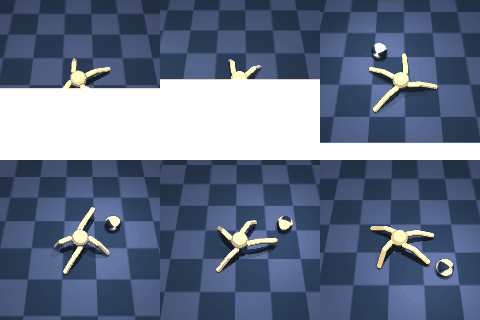 | OGBench/antsoccer-arena-navigate-v0 | navigation | state (42) | 8 | 1000 | Dribble a ball to a goal with the ant |
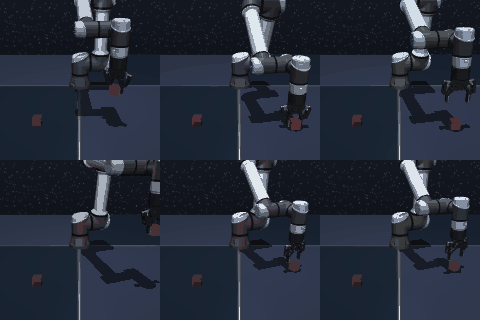 | OGBench/cube-single-play-v0 | manipulation | state (28) | 5 | 200 | Move one cube to a goal pose with a UR5e arm |
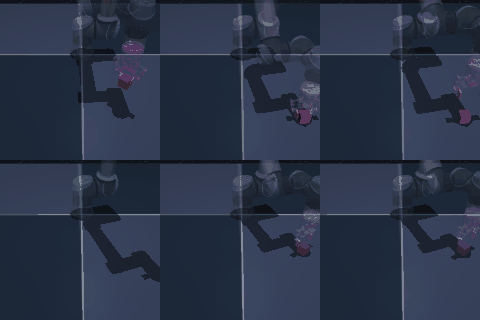 | OGBench/visual-cube-single-play-v0 | manipulation | RGB 64 × 64 | 5 | 200 | Move one cube to a goal pose from pixels |
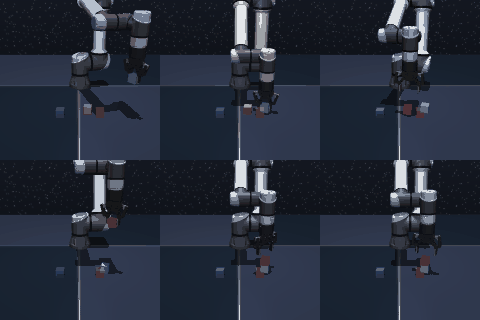 | OGBench/cube-double-play-v0 | manipulation | state (37) | 5 | 500 | Rearrange two cubes into goal poses |
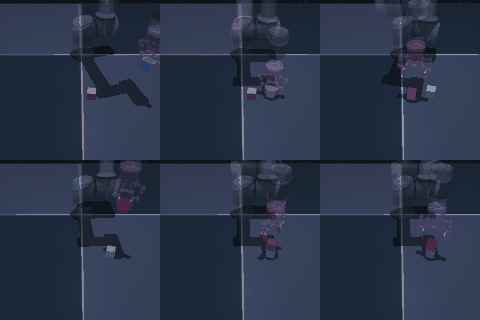 | OGBench/visual-cube-double-play-v0 | manipulation | RGB 64 × 64 | 5 | 500 | Rearrange two cubes into goal poses from pixels |
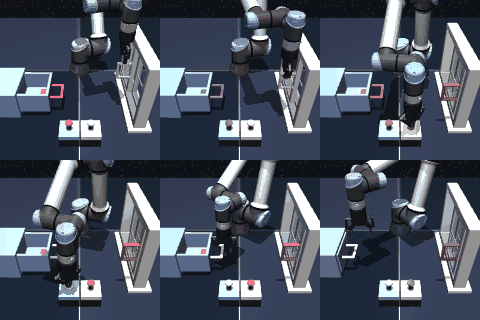 | OGBench/scene-play-v0 | manipulation | state (40) | 5 | 750 | Reach a goal configuration of a cube, drawer, window and buttons |
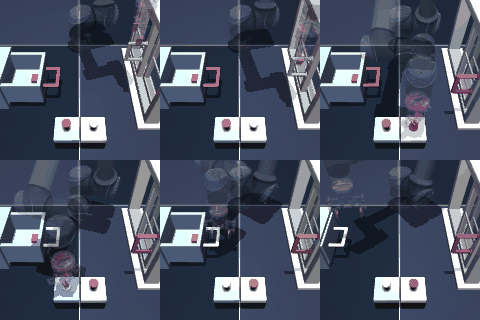 | OGBench/visual-scene-play-v0 | manipulation | RGB 64 × 64 | 5 | 750 | Reach a goal scene configuration from pixels |
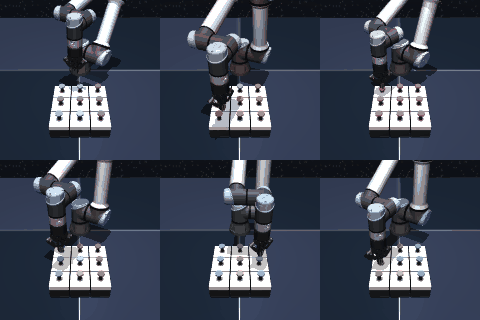 | OGBench/puzzle-3x3-play-v0 | manipulation | state (55) | 5 | 500 | Solve a 3x3 lights-out button puzzle with the arm |
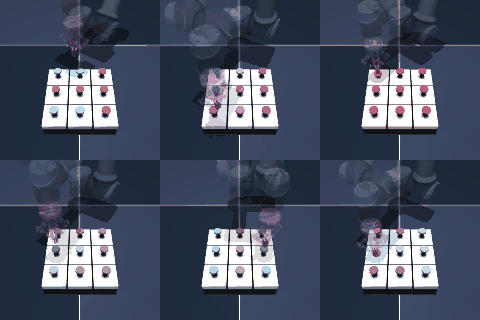 | OGBench/visual-puzzle-3x3-play-v0 | manipulation | RGB 64 × 64 | 5 | 500 | Solve the 3x3 button puzzle from pixels |
Previews replay an episode of each task's OGBench validation dataset through the task's own camera: OGBench's expert and scripted data, not verified successes on its evaluation tasks. python examples/envs/render_benchmark_thumbnails.py ogbench renders them.
from torch_world.envs import OGBench, list_envs, make

[spec.id for spec in list_envs(backend="ogbench")]
world = make("OGBench/visual-cube-single-play-v0", task_id=2, batch_size=8)
world = OGBench("visual-cube-triple-play-v0", task_id=2)   # any OGBench dataset name
DeepMind Control Suite
The DeepMind Control Suite is the standard benchmark for continuous control from states and pixels. DreamerV3's 20 tasks are registered under DMControl/<domain-task>, in the control and locomotion categories; DMControl(name) builds any other suite task. Rewards are dense, in [0, 1] per step, with no success condition, so transition.success is None. Episodes last 1,000 control steps, divided by action_repeat. Pixel observations default to 64 × 64. They need pip install "torch-world[dmcontrol]", on Python 3.12 or earlier. See External suites. The notebook trains TD-MPC2 online on cartpole-swingup.
| Environment | Category | Observation | Actions | Steps | Task |
|---|---|---|---|---|---|
DMControl/acrobot-swingup | control | state (6) or RGB | 1 | 1000 | Swing up an underactuated two-link acrobot |
DMControl/ball_in_cup-catch | control | state (8) or RGB | 2 | 1000 | Swing a ball on a string into a cup |
DMControl/cartpole-balance | control | state (5) or RGB | 1 | 1000 | Keep a pole upright on a moving cart |
DMControl/cartpole-balance_sparse | control | state (5) or RGB | 1 | 1000 | Keep a pole upright on a cart, with a sparse reward |
DMControl/cartpole-swingup | control | state (5) or RGB | 1 | 1000 | Swing up and balance a pole on a cart |
DMControl/cartpole-swingup_sparse | control | state (5) or RGB | 1 | 1000 | Swing up and balance a pole on a cart, with a sparse reward |
DMControl/cheetah-run | navigation | state (17) or RGB | 6 | 1000 | Run forward with a planar cheetah |
DMControl/finger-spin | control | state (9) or RGB | 2 | 1000 | Spin a hinged body with a two-link finger |
DMControl/finger-turn_easy | control | state (12) or RGB | 2 | 1000 | Turn a hinged body to a wide target angle |
DMControl/finger-turn_hard | control | state (12) or RGB | 2 | 1000 | Turn a hinged body to a narrow target angle |
DMControl/hopper-hop | navigation | state (15) or RGB | 4 | 1000 | Hop forward with a planar one-legged hopper |
DMControl/hopper-stand | navigation | state (15) or RGB | 4 | 1000 | Stand a planar one-legged hopper upright |
DMControl/pendulum-swingup | control | state (3) or RGB | 1 | 1000 | Swing up a torque-limited pendulum |
DMControl/quadruped-run | navigation | state (78) or RGB | 12 | 1000 | Run forward with a quadruped |
DMControl/quadruped-walk | navigation | state (78) or RGB | 12 | 1000 | Walk forward with a quadruped |
DMControl/reacher-easy | control | state (6) or RGB | 2 | 1000 | Reach a large target with a two-link arm |
DMControl/reacher-hard | control | state (6) or RGB | 2 | 1000 | Reach a small target with a two-link arm |
DMControl/walker-run | navigation | state (24) or RGB | 6 | 1000 | Run forward with a planar biped |
DMControl/walker-stand | navigation | state (24) or RGB | 6 | 1000 | Stand a planar biped upright |
DMControl/walker-walk | navigation | state (24) or RGB | 6 | 1000 | Walk forward with a planar biped |
Meta-World
Meta-World has 50 tabletop manipulation tasks for a Sawyer arm. Its MT10 tasks are registered under MetaWorld/<name>; MetaWorld(name) builds any of the 50 v3 tasks. Each reset samples a new object and goal placement, which the 39-dimensional state observes. Rewards are Meta-World's dense shaping, and episodes end on its success flag or after 500 steps. They need pip install "torch-world[metaworld]". The notebook trains TD-MPC2 online on reach-v3.
| Environment | Observation | Actions | Steps | Task |
|---|---|---|---|---|
MetaWorld/reach-v3 | state (39) or RGB | 4 | 500 | Reach a goal position with the Sawyer arm |
MetaWorld/push-v3 | state (39) or RGB | 4 | 500 | Push a puck to a goal position |
MetaWorld/pick-place-v3 | state (39) or RGB | 4 | 500 | Pick up a puck and place it at a goal |
MetaWorld/door-open-v3 | state (39) or RGB | 4 | 500 | Open a door with a revolving joint |
MetaWorld/drawer-open-v3 | state (39) or RGB | 4 | 500 | Pull a drawer open |
MetaWorld/drawer-close-v3 | state (39) or RGB | 4 | 500 | Push a drawer closed |
MetaWorld/button-press-topdown-v3 | state (39) or RGB | 4 | 500 | Press a button from above |
MetaWorld/peg-insert-side-v3 | state (39) or RGB | 4 | 500 | Insert a peg sideways into a hole |
MetaWorld/window-open-v3 | state (39) or RGB | 4 | 500 | Slide a window open |
MetaWorld/window-close-v3 | state (39) or RGB | 4 | 500 | Slide a window closed |
ManiSkill
ManiSkill 3 simulates manipulation with SAPIEN, GPU-parallel when CUDA is available. Twelve tabletop tasks that need no asset downloads are registered under ManiSkill/<name>; ManiSkill(name) builds any other task. Rewards are ManiSkill's normalized dense rewards; episodes end on its success or fail flags, or at the time limit. Actions follow ManiSkill's control_mode, by default the robot's. They need pip install "torch-world[maniskill]" (on Linux, x86_64 only), and a Vulkan driver (MoltenVK on macOS). The notebook trains TD-MPC2 online on PushCube-v1; it is published without outputs, since SAPIEN has no build for the aarch64 machines that ran the others.
| Environment | Robot | Steps | Task |
|---|---|---|---|
ManiSkill/PickCube-v1 | Panda | 50 | Pick up a cube and move it to a goal position with a Panda |
ManiSkill/PushCube-v1 | Panda | 50 | Push a cube to a goal region |
ManiSkill/PullCube-v1 | Panda | 50 | Pull a cube back to a goal region |
ManiSkill/PokeCube-v1 | Panda | 50 | Poke a cube to a goal with a peg held in the gripper |
ManiSkill/StackCube-v1 | Panda | 50 | Stack one cube on another |
ManiSkill/PlaceSphere-v1 | Panda | 50 | Place a sphere into a shallow bin |
ManiSkill/RollBall-v1 | Panda | 80 | Roll a ball into a goal region |
ManiSkill/LiftPegUpright-v1 | Panda | 50 | Lift a lying peg into an upright pose |
ManiSkill/PullCubeTool-v1 | Panda | 100 | Use an L-shaped tool to pull a cube within reach |
ManiSkill/PushT-v1 | Panda stick | 100 | Push a T-shaped block into a goal pose with a stick |
ManiSkill/PegInsertionSide-v1 | Panda, wrist camera | 100 | Insert a peg sideways into a box's hole |
ManiSkill/PlugCharger-v1 | Panda, wrist camera | 200 | Plug a charger into a wall receptacle |
MyoSuite
MyoSuite drives musculoskeletal models with muscle activations: a finger, an elbow, a 39-muscle hand and an 80-muscle pair of legs. Ten tasks are registered under MyoSuite/<name>; MyoSuite(name) builds any other MyoSuite environment. Rewards are MyoSuite's dense task rewards. Episodes end on its solved flag, except in locomotion, where solved tracks the commanded velocity at each step, or at the task's limit. They need pip install "torch-world[myosuite]", which requires MuJoCo 3.7 or later and so is installed apart from the benchmark extra. The notebook trains TD-MPC2 online on myoFingerReachRandom-v0.
| Environment | Category | Observation | Muscles | Steps | Task |
|---|---|---|---|---|---|
MyoSuite/myoFingerReachRandom-v0 | control | state (19) or RGB | 5 | 100 | Reach random targets with a muscle-driven finger |
MyoSuite/myoFingerPoseRandom-v0 | control | state (17) or RGB | 5 | 100 | Hold random joint poses with a muscle-driven finger |
MyoSuite/myoElbowPose1D6MRandom-v0 | control | state (9) or RGB | 6 | 100 | Hold random elbow angles with six muscles |
MyoSuite/myoHandReachRandom-v0 | control | state (115) or RGB | 39 | 100 | Reach random fingertip targets with a 39-muscle hand |
MyoSuite/myoHandPoseRandom-v0 | control | state (108) or RGB | 39 | 100 | Hold random hand poses with 39 muscles |
MyoSuite/myoHandKeyTurnRandom-v0 | manipulation | state (93) or RGB | 39 | 200 | Turn a key between thumb and index finger |
MyoSuite/myoHandObjHoldRandom-v0 | manipulation | state (91) or RGB | 39 | 75 | Hold an object of random shape and size |
MyoSuite/myoHandPenTwirlRandom-v0 | manipulation | state (83) or RGB | 39 | 50 | Twirl a pen to random orientations in the hand |
MyoSuite/myoHandReorient8-v0 | manipulation | state (200) or RGB | 39 | 50 | Reorient objects of eight shapes in the hand |
MyoSuite/myoLegWalk-v0 | navigation | state (403) or RGB | 80 | 1000 | Walk forward on a musculoskeletal leg model |
from torch_world.envs import DMControl, ManiSkill, MetaWorld, MyoSuite, make

world = make("DMControl/walker-walk", observation="rgb", action_repeat=2, batch_size=8)
world = MetaWorld("assembly-v3", batch_size=8)               # any of the 50 v3 tasks
world = ManiSkill("StackCube-v1", control_mode="pd_ee_delta_pose", batch_size=64, device="cuda")
world = MyoSuite("myoChallengeDieReorientP1-v0")            # any MyoSuite environment
RoboDojo
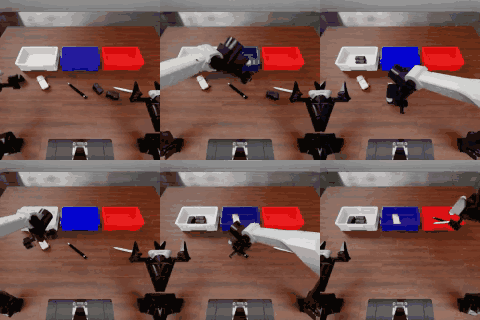
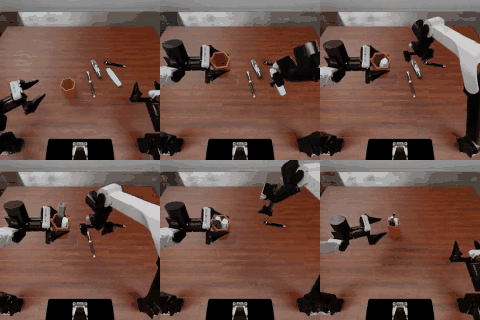
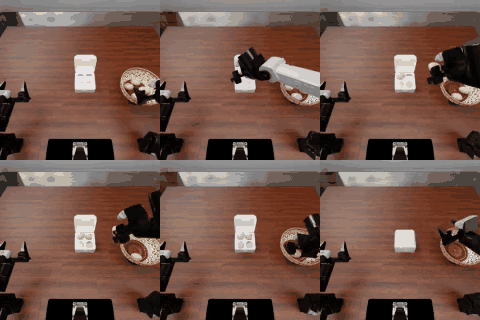
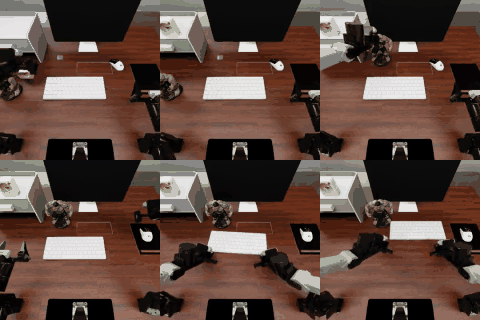
RoboDojo has 42 dual-arm manipulation tasks, from stacking bowls and folding clothes to playing a xylophone, by two ARX X5 arms in Isaac Sim 5.1. Its tasks run only inside RoboDojo's own evaluation client, which asks an XPolicyLab policy server for actions, so they are not built by make. A torch-world policy serves them through RoboDojoPolicy and trains on their demonstrations with load_robodojo. The notebook trains a RoboJEPA baseline on RoboDojo's demo bundle and serves it through XPolicyLab.
| Robot | two ARX X5 arms with grippers: 14 joint targets per action, or end-effector poses |
| Observations | three RGB cameras (cam_head, cam_left_wrist, cam_right_wrist, 640 × 480), joint states, language instruction |
| Scoring | success rate and partial-credit score over RoboDojo's fixed evaluation layouts |
| Preview | Task | Capability | Demonstrations |
|---|---|---|---|
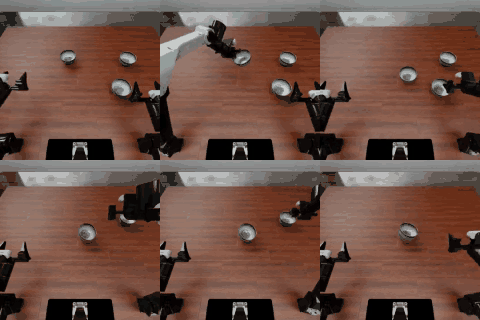 | stack_bowls | Generalization | ✓ |
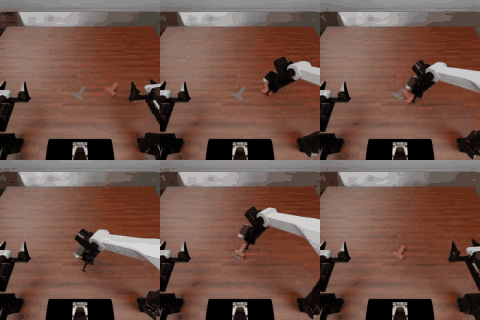 | push_T | Generalization | ✓ |
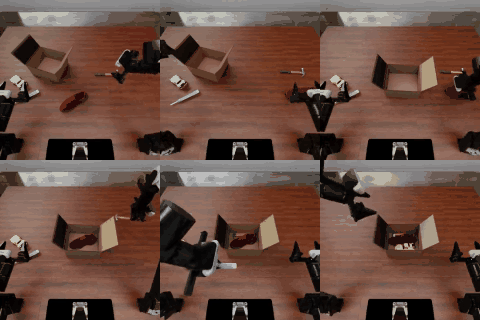 | pack_objects_into_box | Generalization | ✓ |
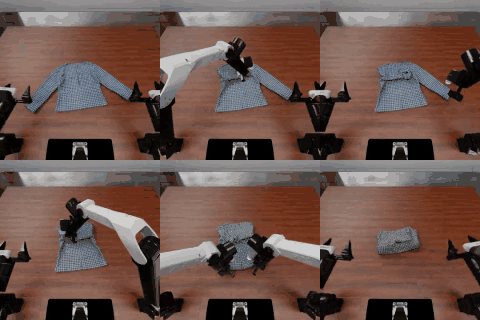 | fold_clothes | Generalization | ✓ |
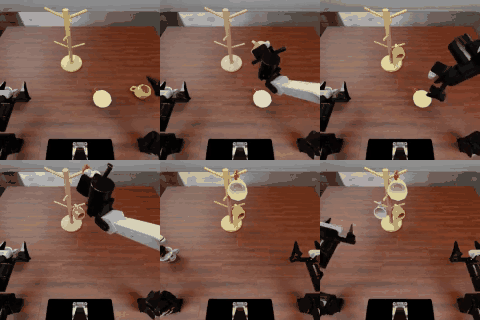 | hang_mugs | Generalization | ✓ |
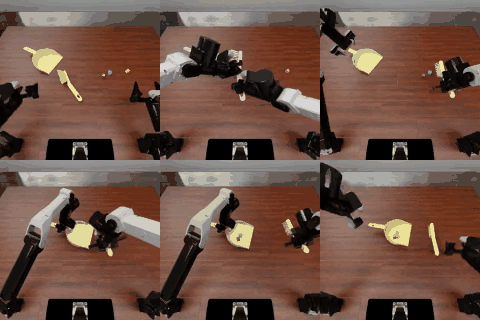 | sweep_blocks | Generalization | ✓ |
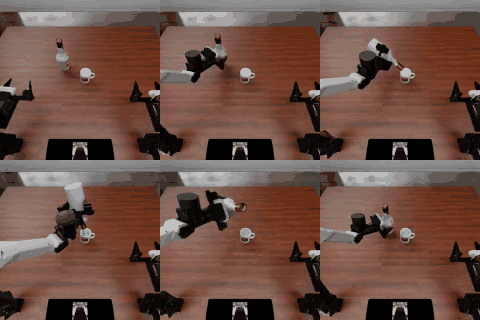 | pour_liquid_into_cup | Generalization | ✓ |
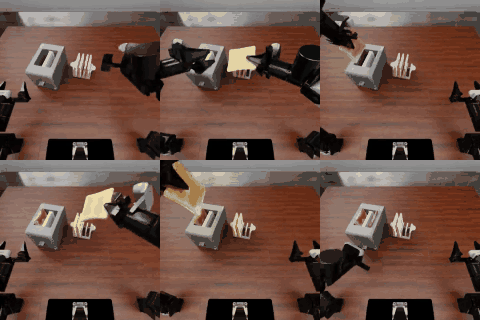 | make_toast | Generalization | ✓ |
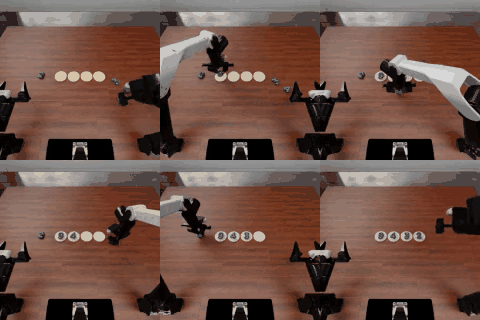 | arrange_largest_number | Generalization | ✓ |
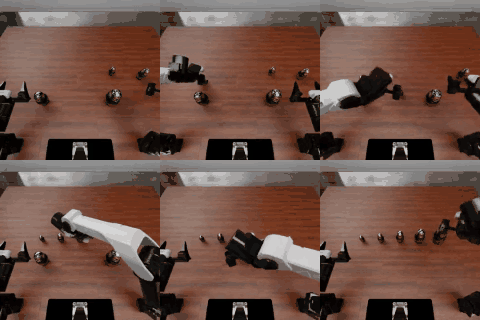 | sort_nesting_dolls_by_size | Generalization | ✓ |
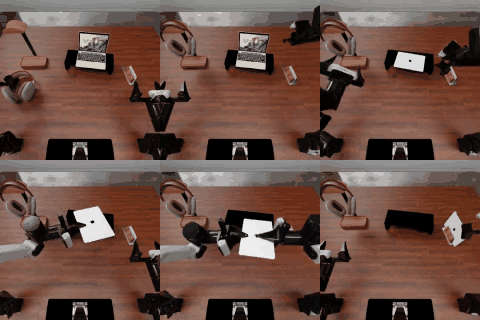 | store_laptop_and_headphones | Generalization | ✓ |
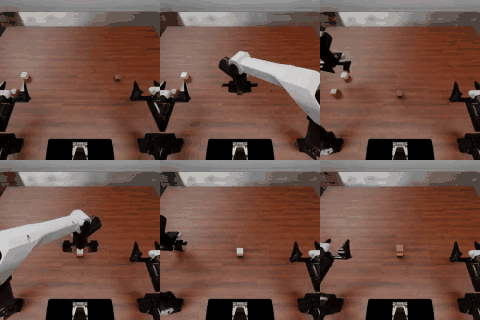 | stack_blocks | Generalization | ✓ |
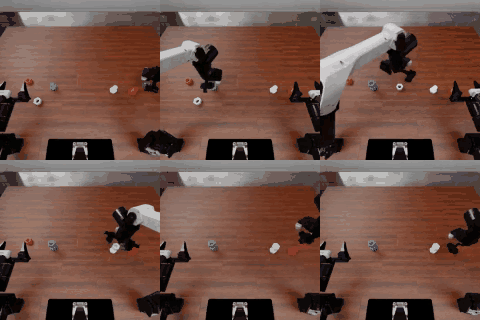 | fasten_screws | Precision | ✓ |
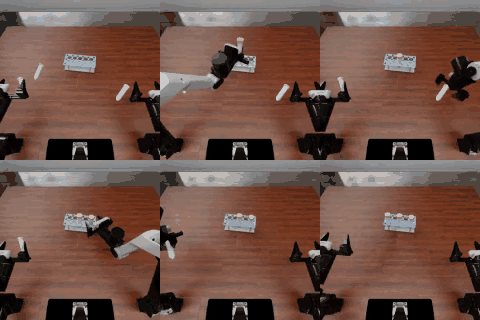 | insert_tubes | Precision | ✓ |
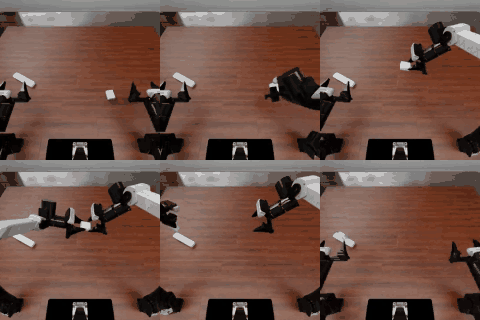 | plug_in_charger | Precision | ✓ |
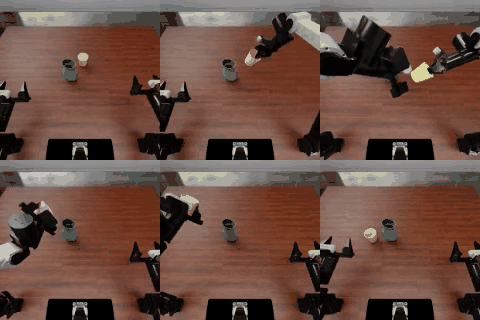 | pour_balls_into_vase | Precision | ✓ |
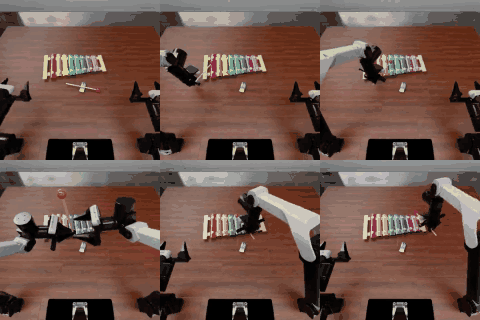 | play_Xylophone | Precision | ✓ |
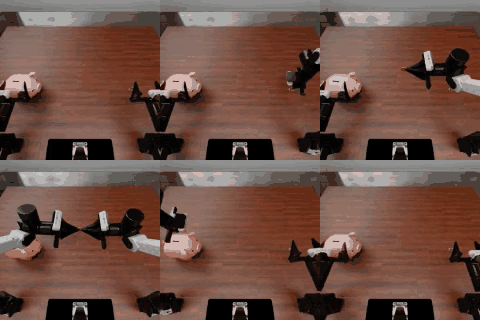 | deposit_coin | Precision | ✓ |
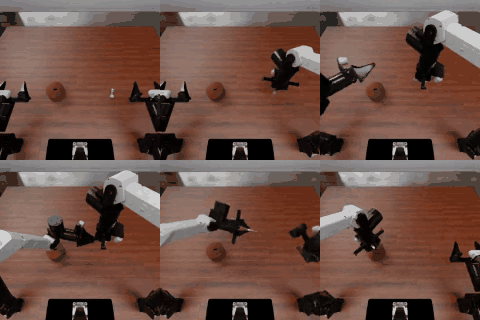 | insert_key | Precision | ✓ |
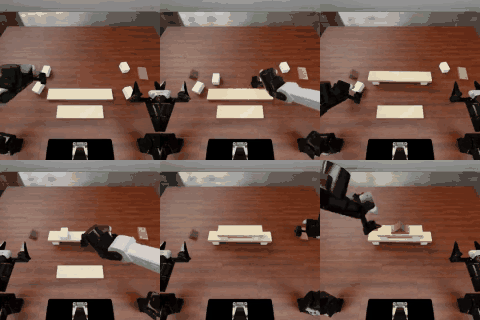 | build_tower | Precision | ✓ |
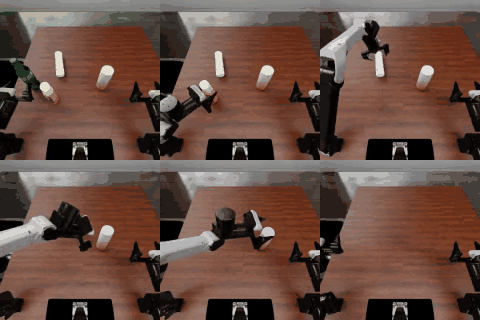 | put_bottles_into_dustbin | Long-Horizon | ✓ |
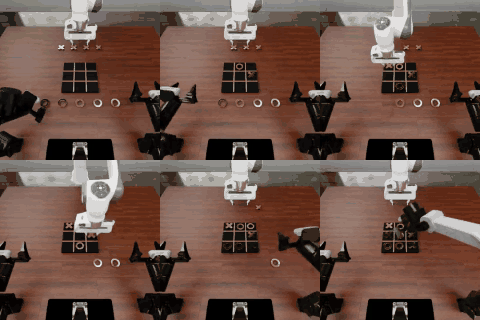 | play_tic_tac_toe | Long-Horizon | ✓ |
 | classify_objects | Long-Horizon | ✓ |
 | fill_pen_holder | Long-Horizon | ✓ |
 | fill_egg_holder | Long-Horizon | ✓ |
 | organize_table | Long-Horizon | ✓ |
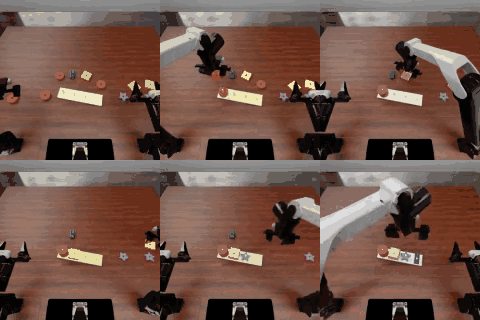 | play_stacking_toy | Long-Horizon | ✓ |
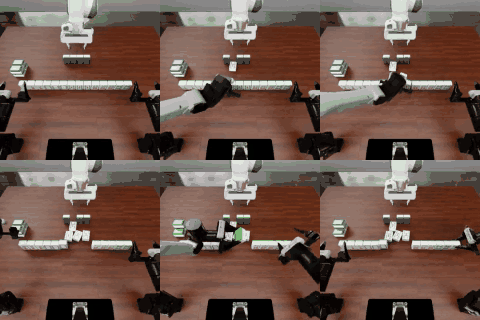 | make_kong | Long-Horizon | ✓ |
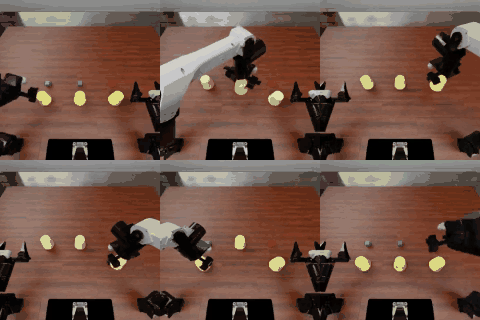 | cover_blocks | Memory | ✓ |
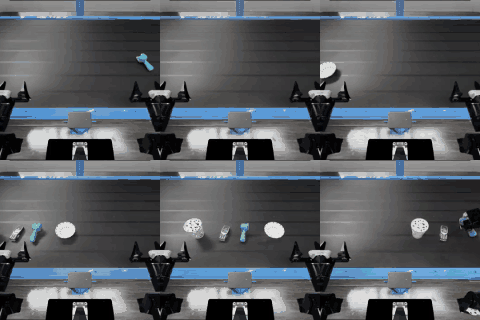 | match_and_pick_from_conveyor | Memory | ✓ |
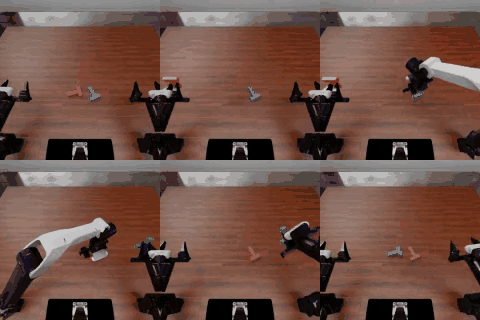 | swap_T | Memory | ✓ |
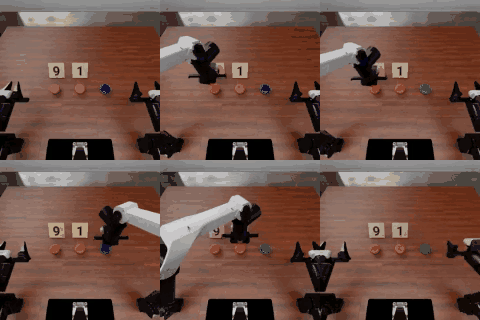 | press_by_number | Memory | ✓ |
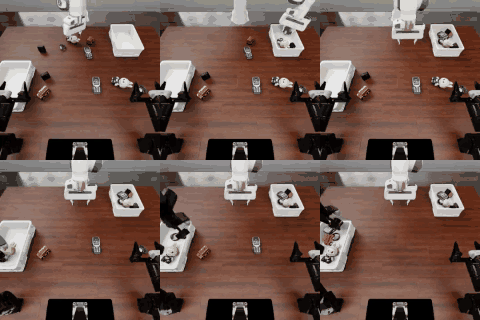 | imitate_sorting_sequence | Memory | ✓ |
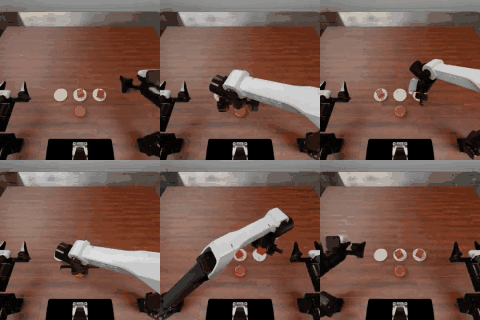 | swap_blocks | Memory | ✓ |
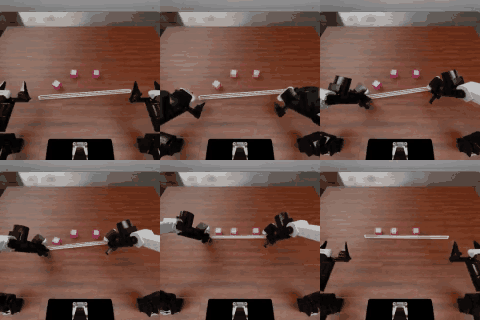 | align_blocks | Open | — |
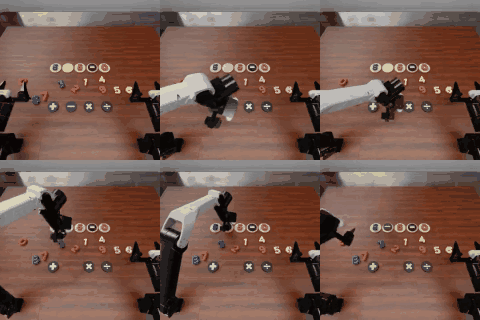 | solve_equation | Open | — |
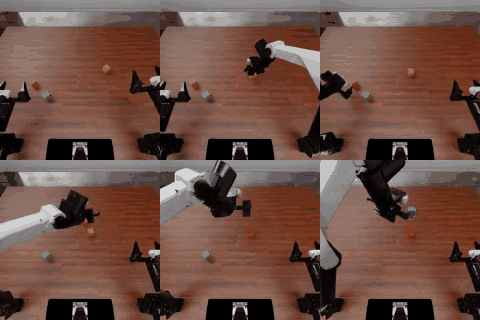 | stack_blocks_by_language | Open | ✓ |
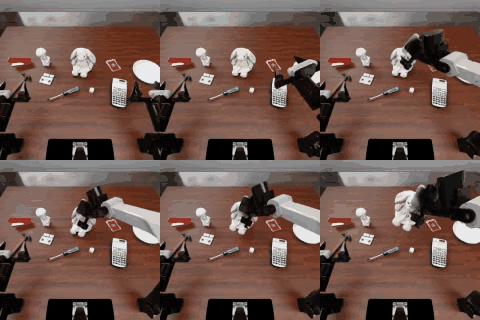 | general_pickup | Open | — |
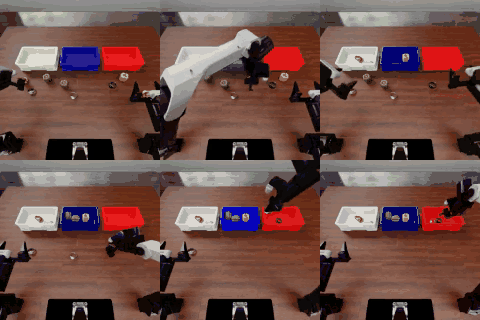 | classify_objects_by_language | Open | — |
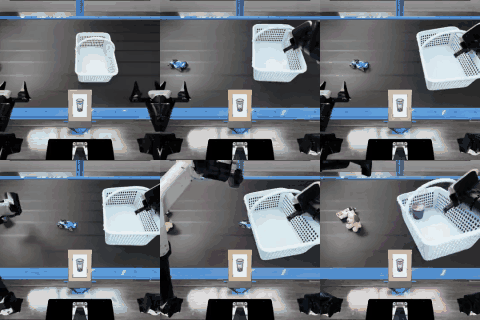 | pick_from_conveyor_by_image | Open | — |
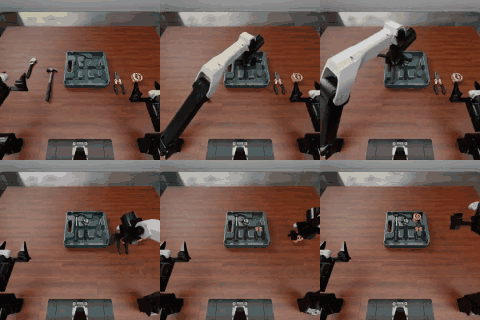 | store_tools_in_toolbox | Open | — |
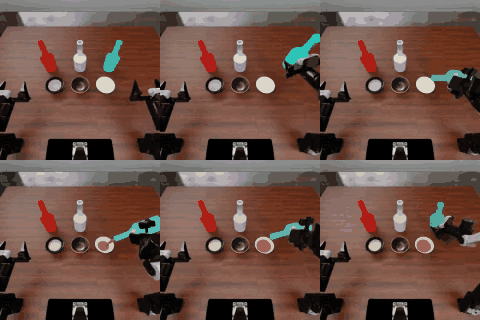 | pour_by_language | Open | — |
Previews are RoboDojo's official task videos from robodojo-benchmark.com, cropped to a square; python examples/envs/render_benchmark_thumbnails.py robodojo renders them. RoboDojo groups its tasks by the capability they test. Demonstrations marks the tasks with public training data; seven Open tasks have none and are evaluated only. Twelve Generalization tasks also have a _random variant with cluttered layouts. torch_world.datasets.robodojo.ROBODOJO_TASKS lists the task names.
RoboCasa
RoboCasa is a large kitchen benchmark in MuJoCo: a mobile Franka arm (PandaOmron) performs 365 tasks across 2,500 pretraining and 10 target kitchens. Its 50 target tasks are registered under RoboCasa/<task> in the manipulation category: 18 atomic tasks and 16 composite tasks seen in pretraining, and 16 composite tasks that are not. RoboCasa(task) builds any other RoboCasa task, and load_robocasa loads its demonstrations. Tasks are given in language, so episodes end at RoboCasa's own success check. RoboCasa pins MuJoCo 3.3.1 and installs from source with 23 GB of kitchen assets, in its own environment; see RoboCasa.
| Preview | Environment | Task set | Task |
|---|---|---|---|
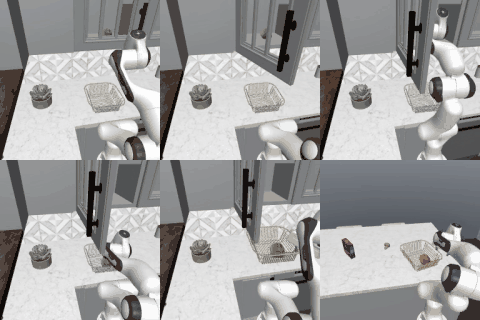 | RoboCasa/ArrangeBreadBasket | composite, unseen | Arrange bread basket |
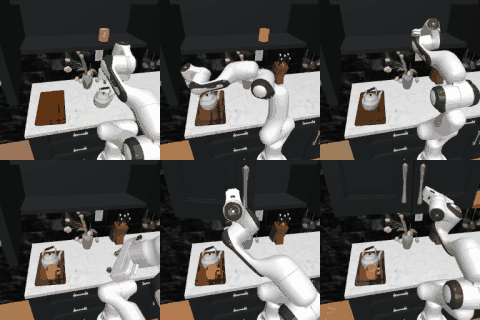 | RoboCasa/ArrangeTea | composite, unseen | Arrange tea |
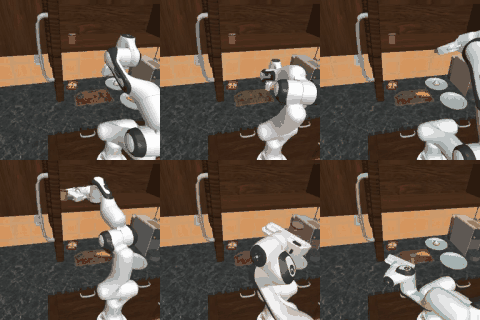 | RoboCasa/BreadSelection | composite, unseen | Bread selection |
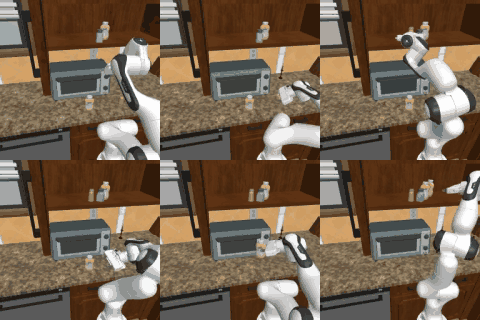 | RoboCasa/CategorizeCondiments | composite, unseen | Categorize condiments |
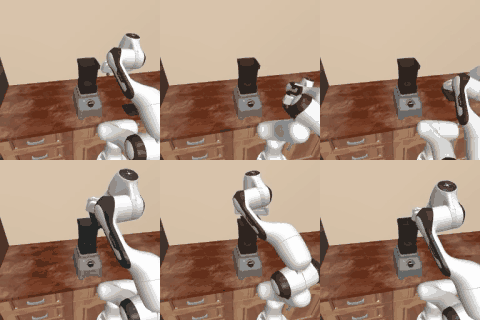 | RoboCasa/CloseBlenderLid | atomic, seen | Close blender lid |
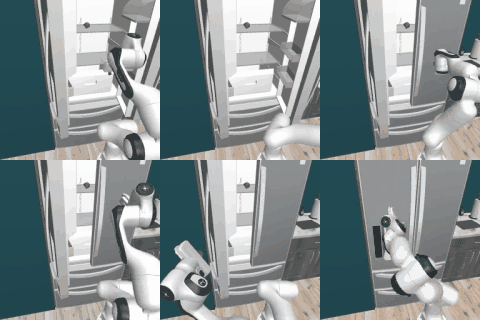 | RoboCasa/CloseFridge | atomic, seen | Close fridge |
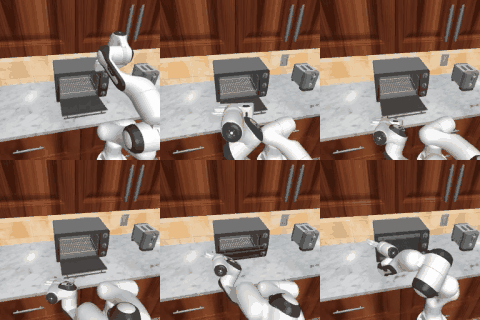 | RoboCasa/CloseToasterOvenDoor | atomic, seen | Close toaster oven door |
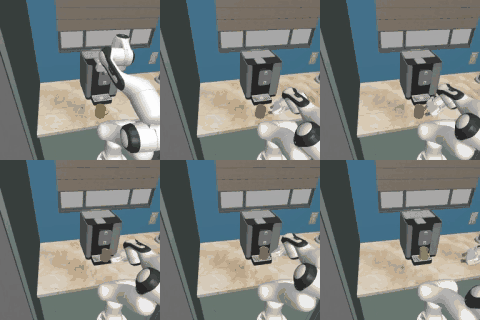 | RoboCasa/CoffeeSetupMug | atomic, seen | Coffee setup mug |
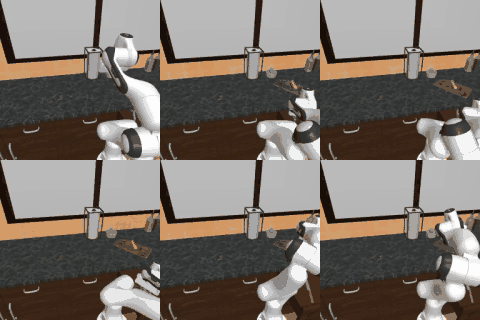 | RoboCasa/CuttingToolSelection | composite, unseen | Cutting tool selection |
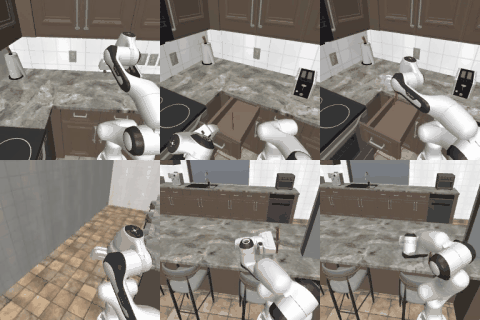 | RoboCasa/DeliverStraw | composite, seen | Deliver straw |
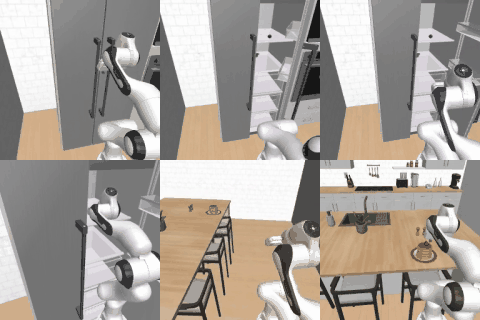 | RoboCasa/GarnishPancake | composite, unseen | Garnish pancake |
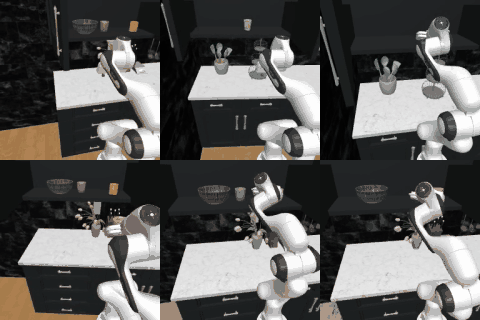 | RoboCasa/GatherTableware | composite, unseen | Gather tableware |
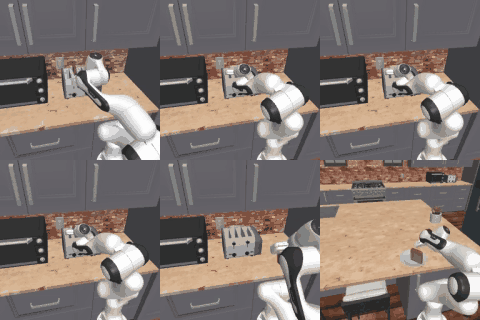 | RoboCasa/GetToastedBread | composite, seen | Get toasted bread |
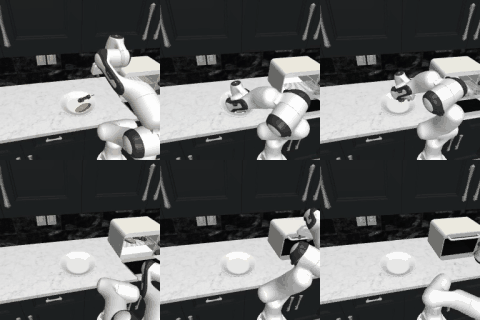 | RoboCasa/HeatKebabSandwich | composite, unseen | Heat kebab sandwich |
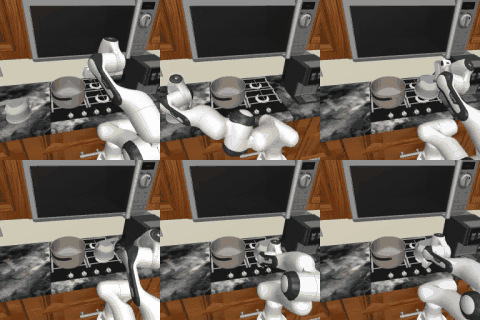 | RoboCasa/KettleBoiling | composite, seen | Kettle boiling |
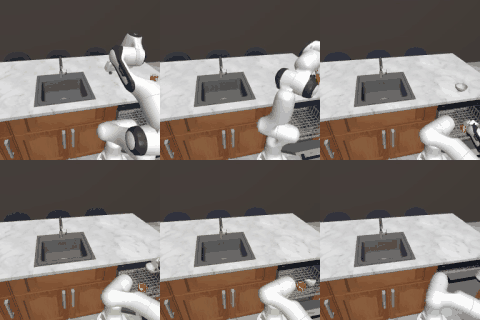 | RoboCasa/LoadDishwasher | composite, seen | Load dishwasher |
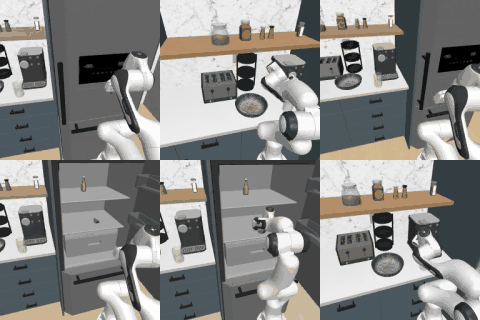 | RoboCasa/MakeIceLemonade | composite, unseen | Make ice lemonade |
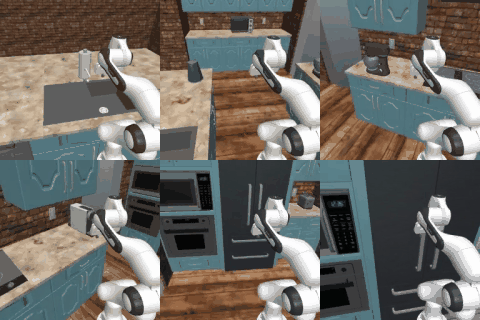 | RoboCasa/NavigateKitchen | atomic, seen | Navigate kitchen |
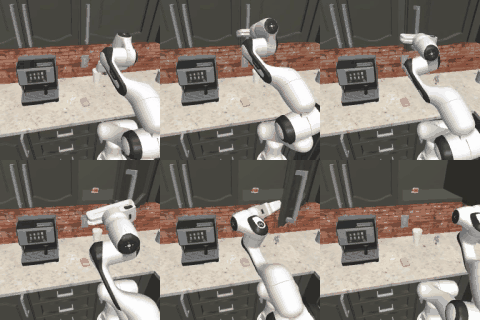 | RoboCasa/OpenCabinet | atomic, seen | Open cabinet |
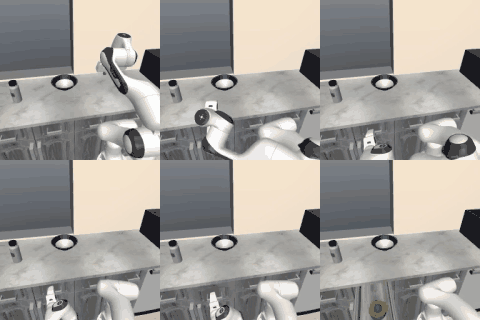 | RoboCasa/OpenDrawer | atomic, seen | Open drawer |
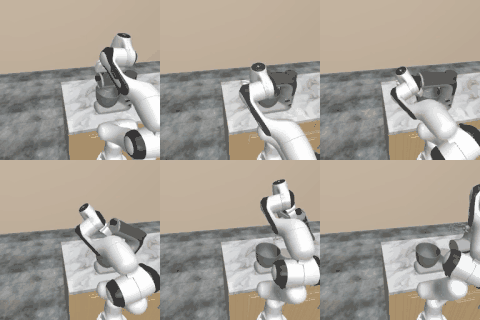 | RoboCasa/OpenStandMixerHead | atomic, seen | Open stand mixer head |
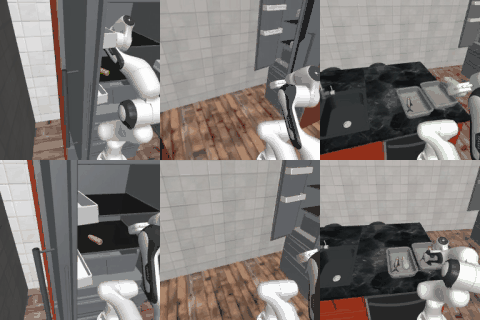 | RoboCasa/PackIdenticalLunches | composite, seen | Pack identical lunches |
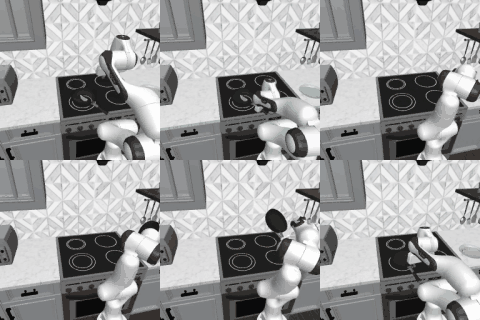 | RoboCasa/PanTransfer | composite, unseen | Pan transfer |
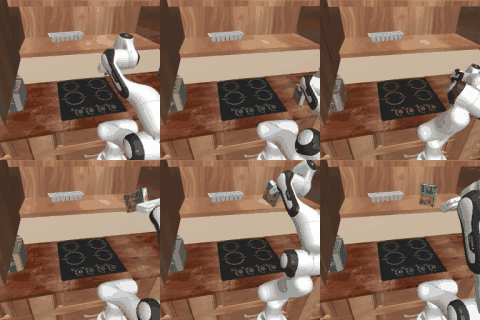 | RoboCasa/PickPlaceCounterToCabinet | atomic, seen | Pick place counter to cabinet |
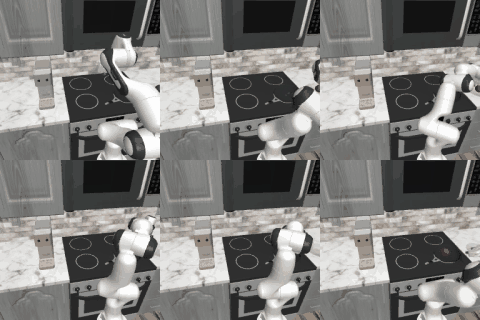 | RoboCasa/PickPlaceCounterToStove | atomic, seen | Pick place counter to stove |
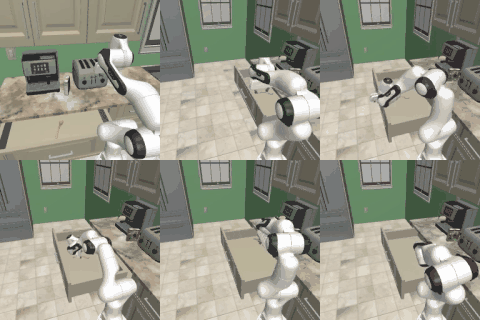 | RoboCasa/PickPlaceDrawerToCounter | atomic, seen | Pick place drawer to counter |
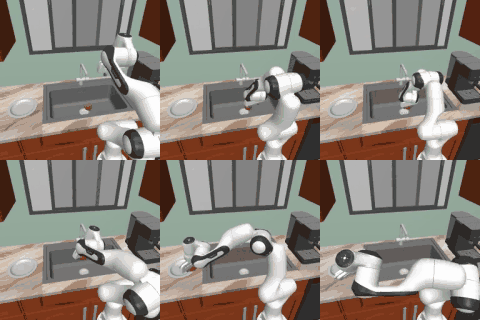 | RoboCasa/PickPlaceSinkToCounter | atomic, seen | Pick place sink to counter |
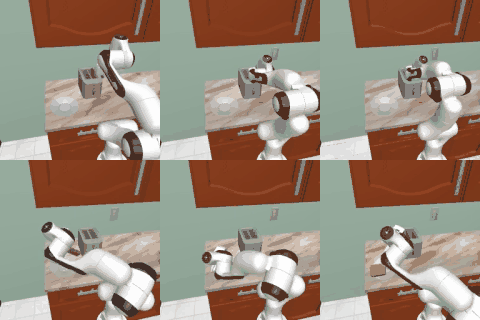 | RoboCasa/PickPlaceToasterToCounter | atomic, seen | Pick place toaster to counter |
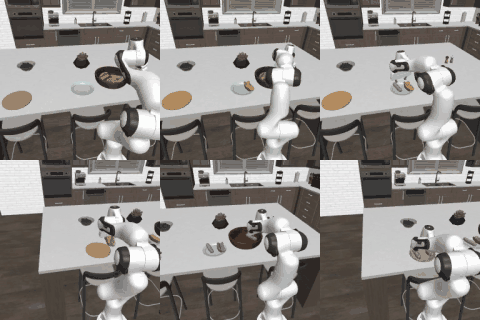 | RoboCasa/PortionHotDogs | composite, unseen | Portion hot dogs |
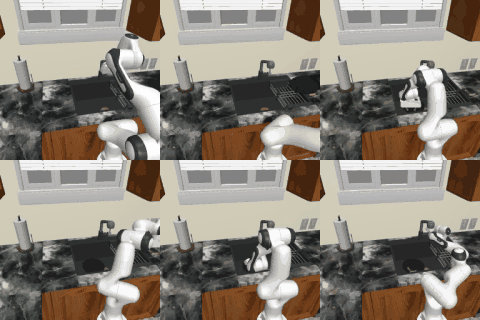 | RoboCasa/PreSoakPan | composite, seen | Pre soak pan |
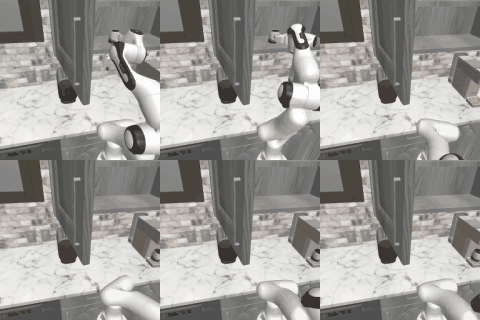 | RoboCasa/PrepareCoffee | composite, seen | Prepare coffee |
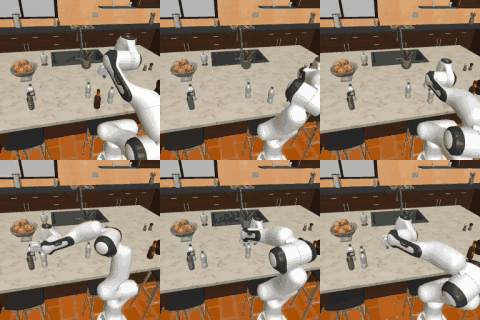 | RoboCasa/RecycleBottlesByType | composite, unseen | Recycle bottles by type |
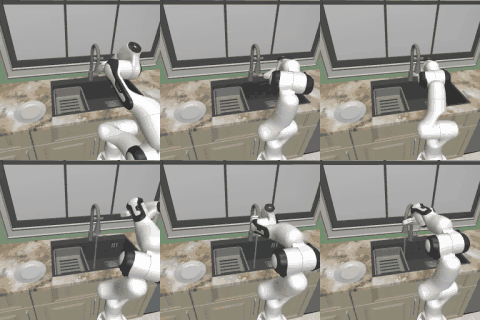 | RoboCasa/RinseSinkBasin | composite, seen | Rinse sink basin |
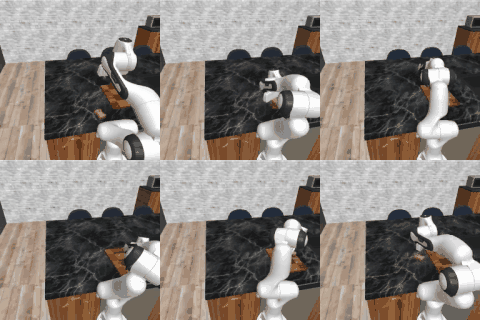 | RoboCasa/ScrubCuttingBoard | composite, seen | Scrub cutting board |
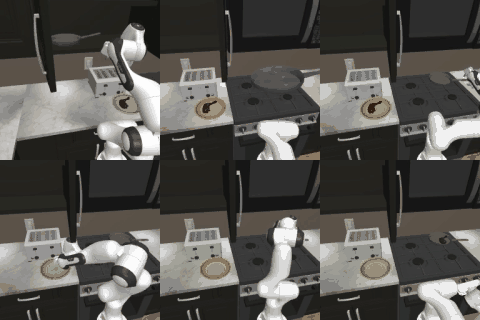 | RoboCasa/SearingMeat | composite, seen | Searing meat |
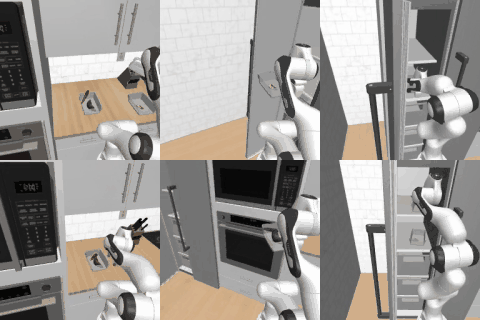 | RoboCasa/SeparateFreezerRack | composite, unseen | Separate freezer rack |
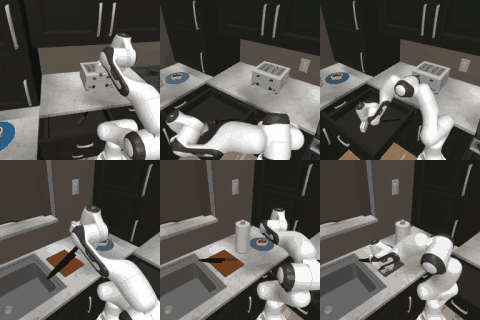 | RoboCasa/SetUpCuttingStation | composite, seen | Set up cutting station |
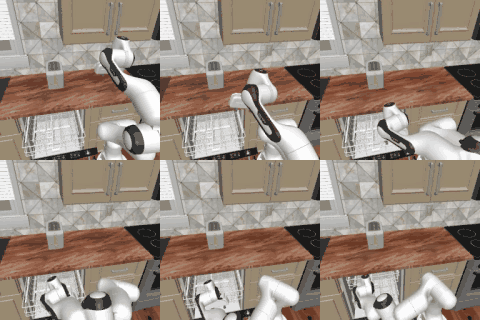 | RoboCasa/SlideDishwasherRack | atomic, seen | Slide dishwasher rack |
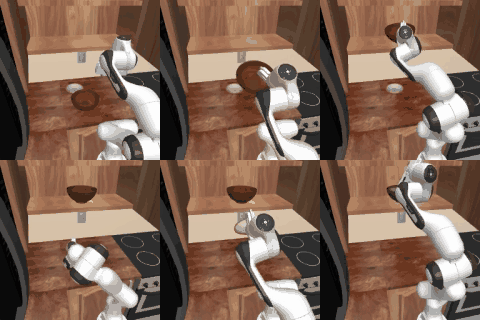 | RoboCasa/StackBowlsCabinet | composite, seen | Stack bowls cabinet |
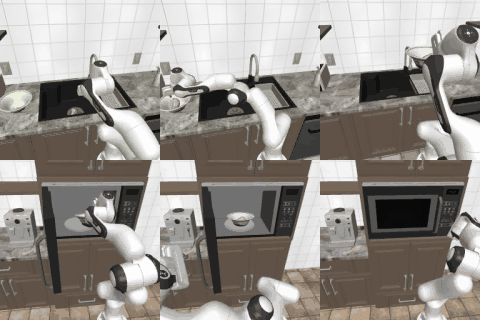 | RoboCasa/SteamInMicrowave | composite, seen | Steam in microwave |
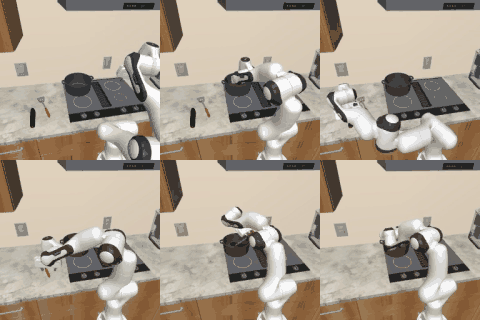 | RoboCasa/StirVegetables | composite, seen | Stir vegetables |
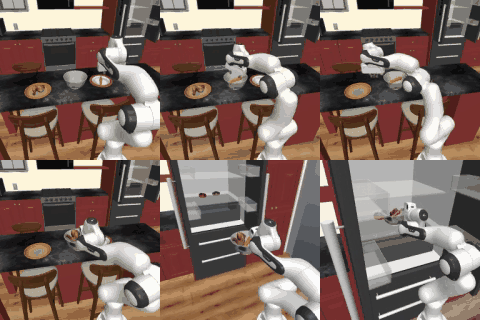 | RoboCasa/StoreLeftoversInBowl | composite, seen | Store leftovers in bowl |
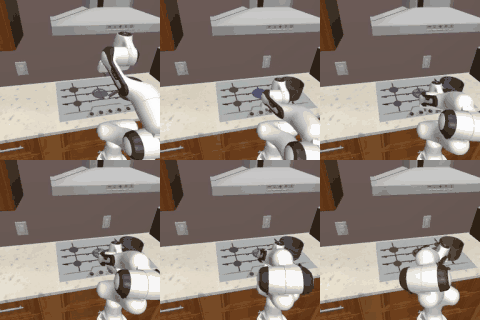 | RoboCasa/TurnOffStove | atomic, seen | Turn off stove |
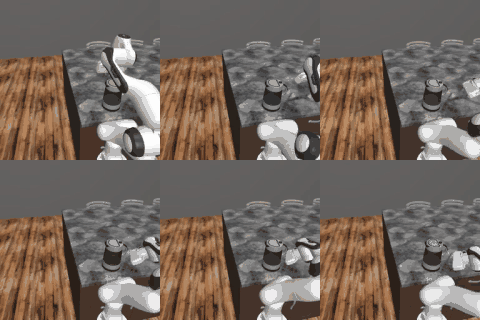 | RoboCasa/TurnOnElectricKettle | atomic, seen | Turn on electric kettle |
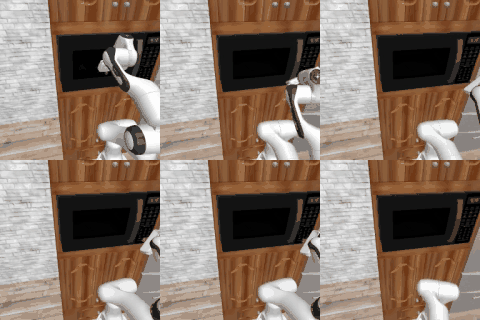 | RoboCasa/TurnOnMicrowave | atomic, seen | Turn on microwave |
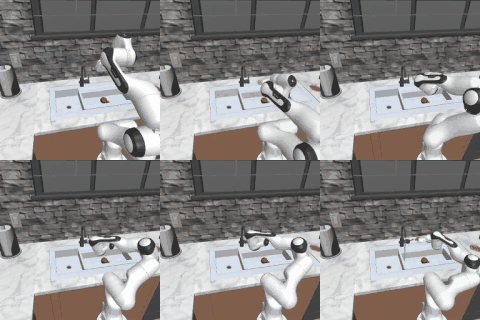 | RoboCasa/TurnOnSinkFaucet | atomic, seen | Turn on sink faucet |
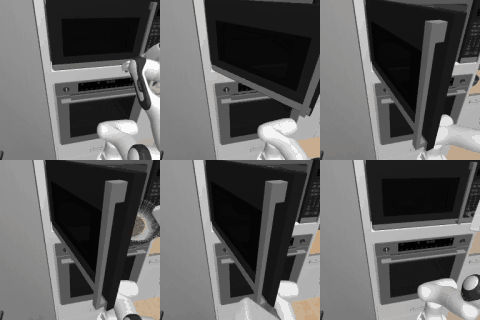 | RoboCasa/WaffleReheat | composite, unseen | Waffle reheat |
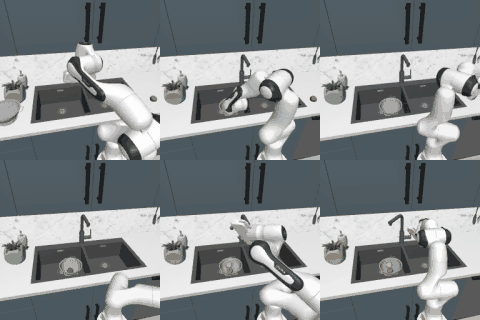 | RoboCasa/WashFruitColander | composite, unseen | Wash fruit colander |
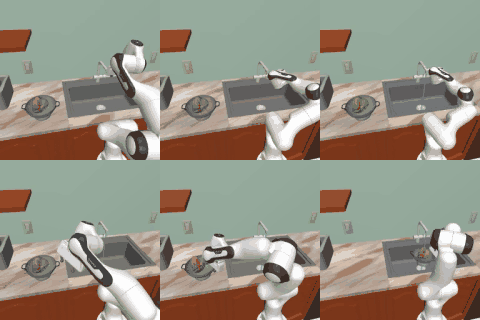 | RoboCasa/WashLettuce | composite, seen | Wash lettuce |
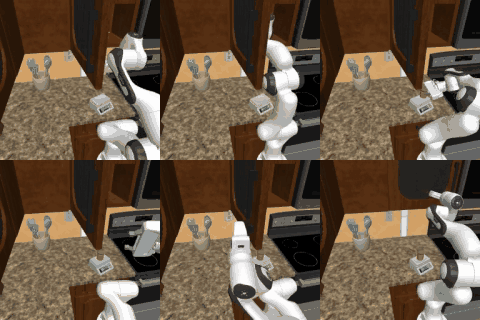 | RoboCasa/WeighIngredients | composite, unseen | Weigh ingredients |
Previews are the first human demonstration of each task from RoboCasa's datasets, seen by the left agent-view camera; python examples/envs/render_benchmark_thumbnails.py robocasa renders them. Every human demonstration completes its task.
from torch_world.envs import RoboCasa, make

world = make("RoboCasa/OpenDrawer", batch_size=4, split="target")
world.reset(seed=0)
world.instruction      # one language instruction per lane
Add your own
Register an EnvSpec with a category from CATEGORIES, or a new name of your own, and it appears in list_envs(category=...). See Bring your own environment.